PDF Note Pad — Complete Guide to Smart Note-Taking While Reading PDFs
Stop juggling multiple apps. Discover how to read, highlight, and write notes simultaneously within a seamless document workflow.
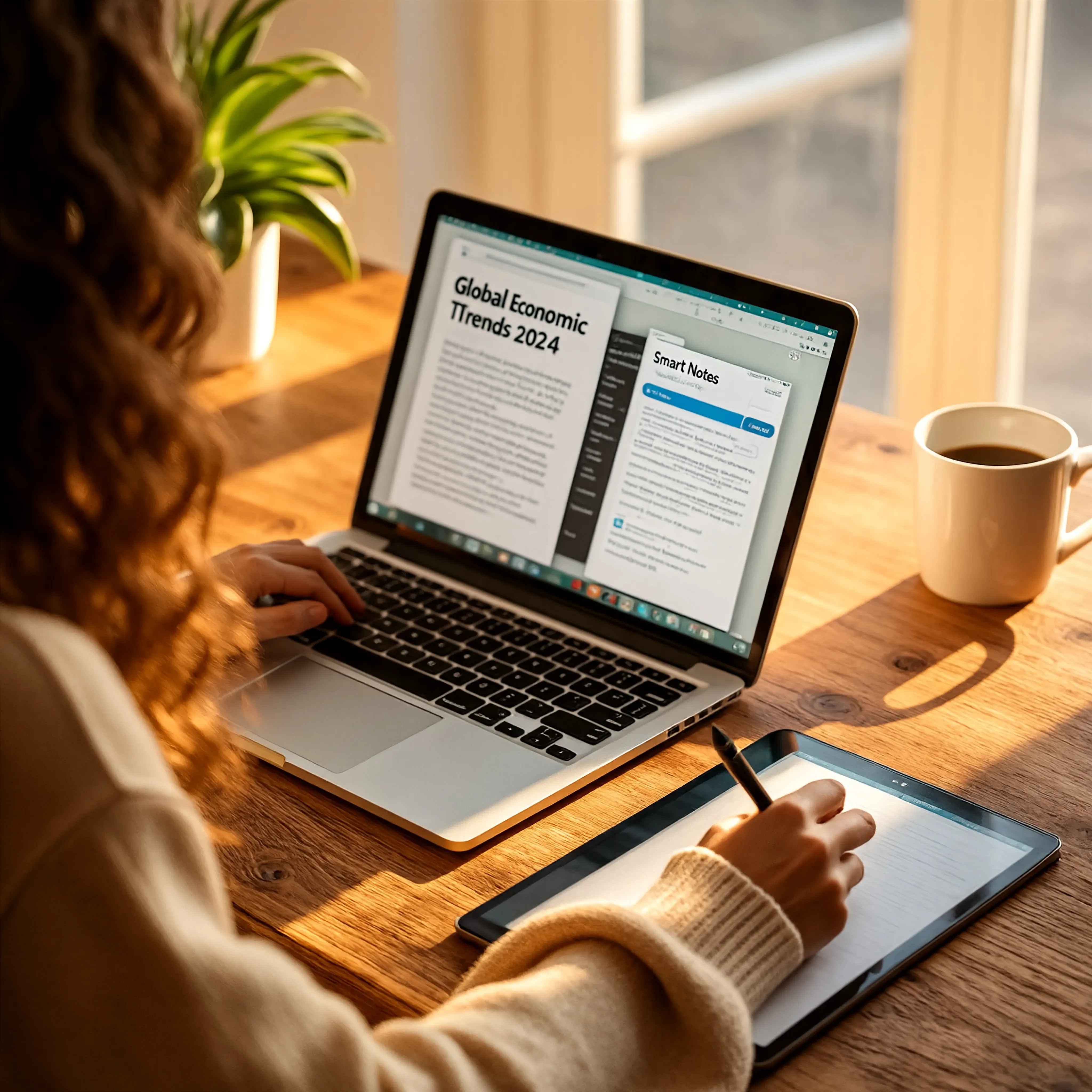
Topic: Person Type Smart Notes While Reading PDF Online
PDFs have become a common thing in academics, business field, and professional settings. Students read notes or books from PDFs, Professionals read complex reports and Researchers also are impacted by the necessity of reading long documents every day.
But a recurrent problem emerges when reading: Readers want to write notes while reading PDFs.
For example: Students summarise their studies, Professionals learn lessons from reports, Researchers highlight findings, Readers collect ideas from reading eBooks or guides.
However, going from one app to another (PDF reader to notes launcher for example) slows down productivity and kills concentration.
This is when a PDF note pad become useful. With PDF reading and note taking together in a single workflow, site login and adoption of JKM Edit Home and its productivity centric toolset are a must.
A PDF Note Pad Is What You May...
A pdf note pad means a way that let you: read pdf comfortably, write notes at same time on same screen, store key points easily, have the thought ready for revision.
In plain terms: A write + read environment which is just for PDF only.
Example: Read a chapter, write it summary part. Read an annual report to store/write current points to the report. Read a research paper to store key formulae.
Current note pad mechanisms let you to type very fast when you are reading, be very structure save notes contents, be able to edit your text very easily, and to be distraction-less 100%.
Common Problems embed without PDF note pads
User is getting frustrated with his life when using PDF viewer and note app.
1. App change
When you are using an app, you always need to switch used between pdf view, Notes app, and your Browser. This huge impact to your productivity and flow.
2. Losing focus
Your concentration is affected by refocusing context during deep reading.
3. Should not organize
Notes and text source PDFs are often stored in different folders or apps, which stops the rest phase or the final revision.
4. Wasting time
Re-writing content, or copying manually the other app to the other app out of no real reason.
Why PDF Note Pad is Useful
Better learning experience
Students can read and write with the same time and direct summarize the content when he/she is learning.
More productive
Professionals can also capture the most insights during a meeting or reviewing reports much more quickly.
Structured information
With only one workspace, your notes will be naturally connected with the real context in reading.
Efficient revision
All notes are in only one structured place. It means that your exam prep or meeting revision is easier.
Why We Use Online PDF Note Tool
Traditional PDF note-taking needs other applications, a heavier download, more storage in addition, more efforts for upload and sync, and poor experiences of switching to too many bulky desktop applications.
The online editors give us the following advantages: can be used from everywhere in browser, can be used at once, no software download, can be used from multiple devices, a more efficient workflow.
So, Note-Taking in Digital PDF is Easier for Everybody.
The Way We Want to Make Note-Taking with JKM Edit Better
1. uncomplicated and user-friendly UI
JKM Edit focus in uncomplicated and visual free tools.
2. Browser-Based
You can use our tools on your desktop, laptop, Android phone, iPhone or tablet. All that you need, no download between this.
3. smooth Workflow
You can manage, read and interpret pages with the smooth workflow.
4. productive Assistance
JKM Edit platform, has the foundation purposes for studious, freelancer, professional, researcher, and people who value their time.
5. Mobile web-Compatible Experience
JKM Edit has full dynamic reading and note-taking support on your smartphone or tablet.
No more Application Switchings While Reading
No Distraction Experience. Explore document and take smart note in one place.