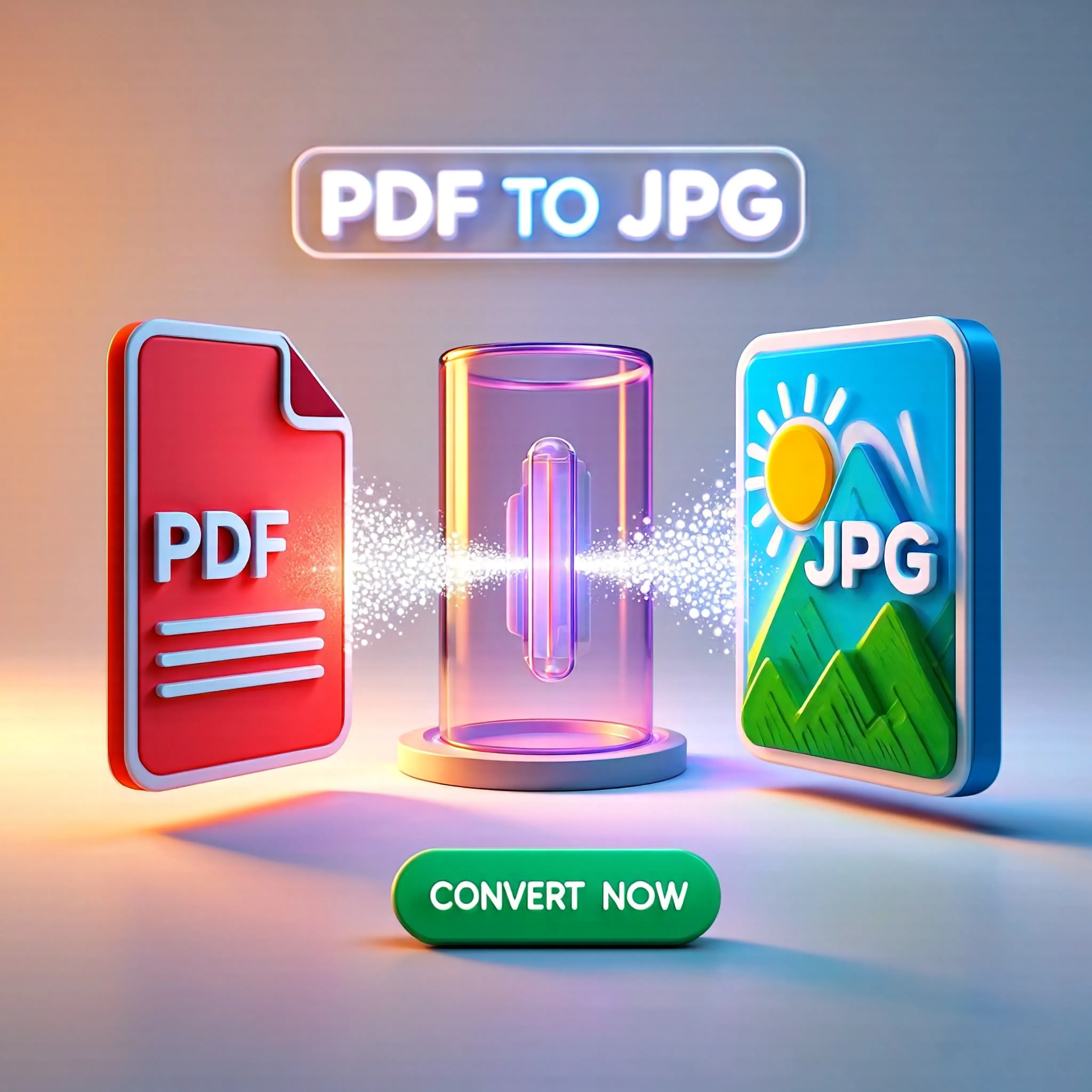
How to Convert PDF to JPG Online — Complete Guide for Fast Image Conversion
Transform your PDF documents into high-quality JPG images instantly for easy sharing, presentations, and social media uploads using simple browser-based tools.
Written by JKM Edit Team
Published on May 17, 2026
8 min read
How PDF to JPG Conversion Is So Important to Provide Just Enough
PDF is a quite popular for sharing documents, reports, and other official documents because it can retain its presentation format across all devices. However, there are many scenarios you have the PDF but only wish to retain a page within the PDF.
For instance: Share a PDF page via WhatsApp or social media. Add PDF pages to a presentation. Upload a PDF page to a website. Feature a diagram, chart, and/or picture of the PDF. Generate thumbnails or previews for a PDF document.
Such cases can benefit from PDF to JPG. Simply and quickly convert any file with JKM Edit Home's PDF to JPG tool, rather than capture screens or resort to sophisticated editors. It is also incredibly convenient, as you do not have to leave your browser.
What is a PDF to JPG Converter?
PDF to JPG converter is an online application that convert each page of PDF document into separate image files (JPG format).
Example: 10 page PDF → 10 JPG images. Report PDF → image slides. Invoice PDF → shareable image file. Notes PDF → snapshot images.
Now you can: Convert full PDF to images. Capture any page. Keep high-res images. Download right away. No installation. Share documents with ease.
Common Problems With PDF Files
1. Inviting PDFs for Sharing Is Not Easy
Social media platforms don't support uploading PDF, and you want an image for Instagram, Facebook posts, WhatsApp status and content on your website.
2. Poor Quality Screenshots
Screenshot images are not so crisp and cut content or overlay to layout elements, so the text is blurry and nonprofessional.
3. Impossible to Rework
Editing PDFs to reuse them on your design project (Canva, Photoshop, etc.) can be impossible, unless rasterizing them first.
4. Import Restrictions
Some apps/forms only accept image files (.jpg, .png); none of them will even look at a .pdf upload.
Why PDF to JPG Converter Is Awesome
Easy Sharing
Images are so much easier to share than PDFs on social media and messaging apps.
Better Compatibility
JPG works in almost every app, browsers and smart devices.
Better Visuals
Converted images can be uploaded into sites, blogs, presentations, and graphic design software.
Faster Previewing
Images are previewed instantly; PDFs require a PDF viewer or a browser plugin to view – which slows down the process.
What Drives Users to Online PDF to JPG Converters?
Traditional conversion requires installation of software or use of some advanced edit software, or taking messy and clunky manual screenshots. The possibility of instant conversion without installation, easy and super-fast processing, available to use in a browser, and better mobile-compatible convertor-ability, online tools are handy, everyday, on-the-go.
The JKM Edit Solution for PDF to JPG
1. Super Simple
JKM Edit is super simple to convert. 1: Upload PDF, 2: Convert, 3: Download the images. No keys or keysunlocks.
2. Browser Tool
Available in your browsers- desktop, laptop, Android device, iPhone device and tablet. Installs not required.
3. Clear Visuals
The tool converts to the clear images with good resolution and highly-readable text content.
4. Lightning-fast
Convert in seconds securely fast processing keeps you on track.
5. One-page-at-Time Conversion
6. Completely Free and Accessible
JKM Edit eliminates hassle and closed labs in academia.
Need to Share Your PDF as Images?
Instantly turns your PDFs into high quality JPGs for free and no installation required.
Select your reports, document, notes, presentation, or invoice file.
Step 3, Your File Is Being Converted
Press the convert button, and wait a few seconds for the secure conversion.
Step 4, Download JPG
Convert each page in your PDF into an image file in less than a minute.
Step 5, You Can Now Use
With the ability to upload images on your website and in your documents, share them online, insert them into your slides, or import them into design software, converting your PDF to JPGs is a no-brainer.
PDF to JPG in Everyday Life
Students
Sharing notes, displaying visuals, for assignment assignments, Research sharing study helpful diagrams for flash cards.
Businesses
Sharing business marketing documents as image files, creating PowerPoint slides, sending preview options to clients over chat plugins.
Designers
Getting visuals from brand guidelines, populating layouts with content from PDFs, making professional mockups.
Social Media Users
Sharing portions of a PDF on Instagram, displaying information visually, creating Instagram carousel type posts, using the images from your PDF converted files on social media marketing.
What Does JKM Edit Offer – In Comparison with Other Software
Features
Traditional software
JKM Edit
Speed
Moderate
Fast
Installation Required
Yes
No
Mobile Friendly
Limited
Yes
Safety and Security of Files in Conversion Tools
It is not uncommon that a user is required to upload extremely sensitive documents, including financial statement reports, identity documents and certificates etc. Converting on JKM Edit provides an uninterrupted browser-based experience and the best personal safety for your high-value files.
Why Conversion Speed Is Important
During the era of information age, people are used to completing their operations very quickly and smoothly, which means that if you use a slow tool, you are wasting people's time and hindering their productive work. Thus, a web utility that is carefully optimized in your head is highly assured to help you finish your work faster and with less effort.
PDF to JPG on Mobile Is Already Trending
Portable device users want the speed provided by fast tools without any installation and the time-saving ability to share with their favorite apps from a smartphone. But, you can have the best of both worlds when using JKM Edit, from its high-quality viewability to your mobile device's convenience.
What We Suggest on PDF to JPG
Only use high-quality PDFs: Vector or high-DPI PDFs usually produce a higher-quality final crop.
Avoid low quality scans: A blurry PDF simply produces a blurry JPG.
Make sure images are ordered correctly before conversion. Organize PDFs and rotate images as needed.
Once you download the resulting JPGs, double-check them in the thumbnails: Ensure images look good before submitting or sharing.
Future PDF to Image Tools
Future web tools will provide AI image extraction, auto white margin crop, image smart quality enhancement for auto text sharpening, and more cloud conversions.
Frequently Asked Questions (FAQs)
Yes, using modern online tools like JKM Edit, you can convert your PDF documents to JPG images completely free without hidden fees.
No, the JKM Edit PDF to JPG tool maintains high resolution, ensuring your extracted images are crisp, clear, and perfectly readable.
Absolutely. It is fully browser-based and works seamlessly on any Android, iPhone, or tablet device without requiring app installation.
When you upload a multi-page PDF, the tool automatically converts and extracts each page into a separate high-quality JPG file.
Conclusion
PDF To JPG conversion is a simple yet complex tool in the digital age. It improves overall compatibility, boosts easy sharing of documents, and allows static documents to be poured into a visual and dynamic experience.
You now don't have to use a bulky software or a dirty screenshot to convert a file. Convert with easy click with JKM Edit PDF to JPG Tool. This browser based fast, quick and complete system and PDF conversion is easy for all with JKM Edit.
Convert PDF to JPG with One Click
Could we Convert your Documents? Convert PDF to JPG in the safest, fastest, and most efficient manner. Installation free. Converting convert to JPG conversion times Now.